
Choose your file
Select a supported file from your device. Check the format and size limits.
IMAGE TO STL · FREE ONLINE CONVERTER
Create clean logo outlines or detailed heightmap reliefs from PNG and JPG artwork. Preserve transparency, review the dimensions and preview the mesh before you generate STL file geometry for download.
01 Choose your file
No file selected
Choose a file to get started.
FROM FILE TO FINISHED MESH
Select a supported file from your device. Check the format and size limits.
Choose the right mode, scale and detail. Processing runs in your browser.
Rotate the preview, save the output and verify it in your next application.
MAKE THE SHAPE YOU MEAN
Outline extrusion follows the foreground of a transparent PNG. Switch to heightmap relief when brightness should create peaks and valleys.
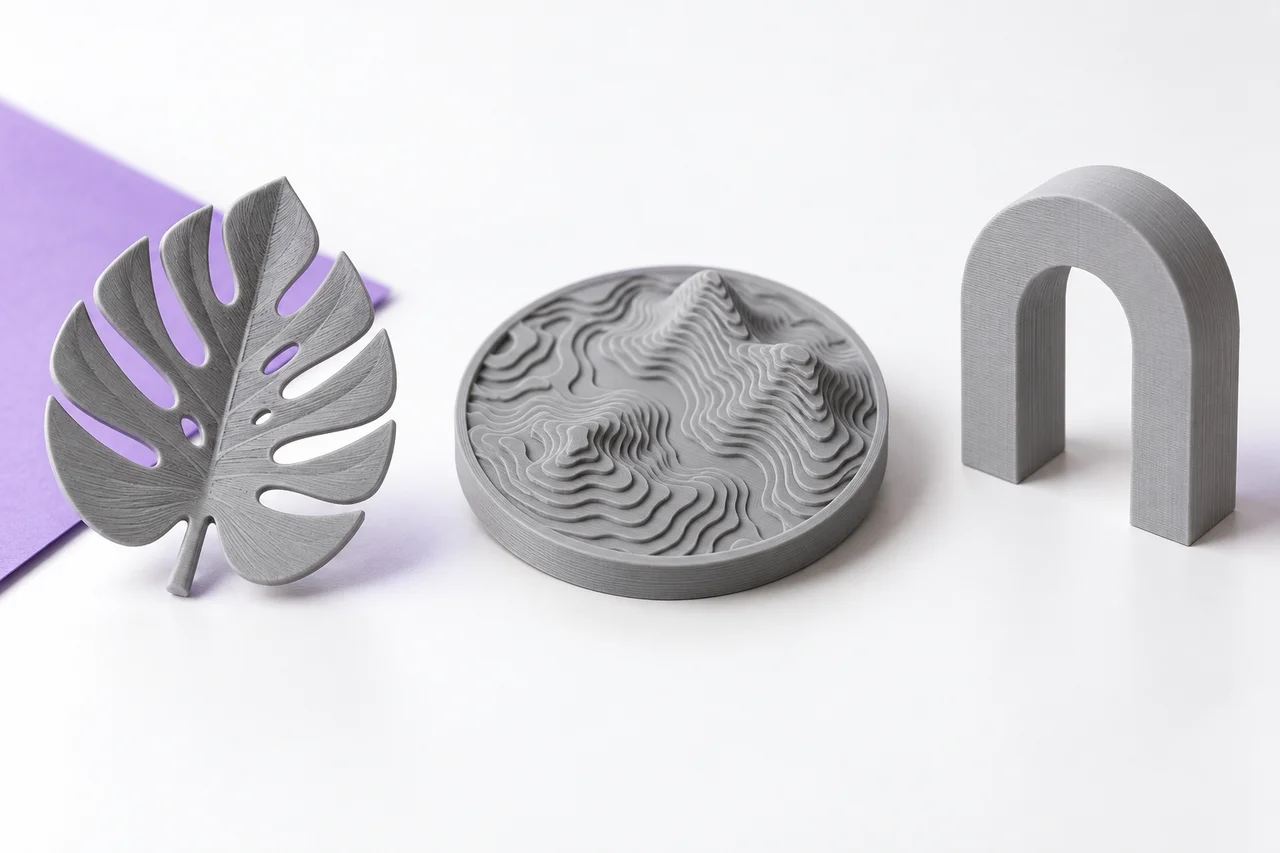
Create a clean outline from a transparent PNG, or turn grayscale artwork into a relief. The transparent canvas does not become a rectangular backing.
Open converter →Convert a JPEG into a grayscale relief or extrude high-contrast artwork after removing a simple background.
Open converter →Turn self-contained SVG paths and shapes into an STL outline or relief. Convert text to paths before uploading.
Open converter →Convert OBJ polygon geometry into a binary STL for a geometry-only mesh workflow.
Open converter →Convert a binary or ASCII STL into an OBJ triangle mesh while retaining its numeric coordinate values.
Open converter →Extract supported core 3MF build geometry with component placement and millimeter-sized output.
Open converter →Tessellate STEP or STP CAD geometry into an STL using a browser-loaded OpenCascade engine.
Open converter →Explore original STL examples for viewer checks and printing practice. Visit the free model library →
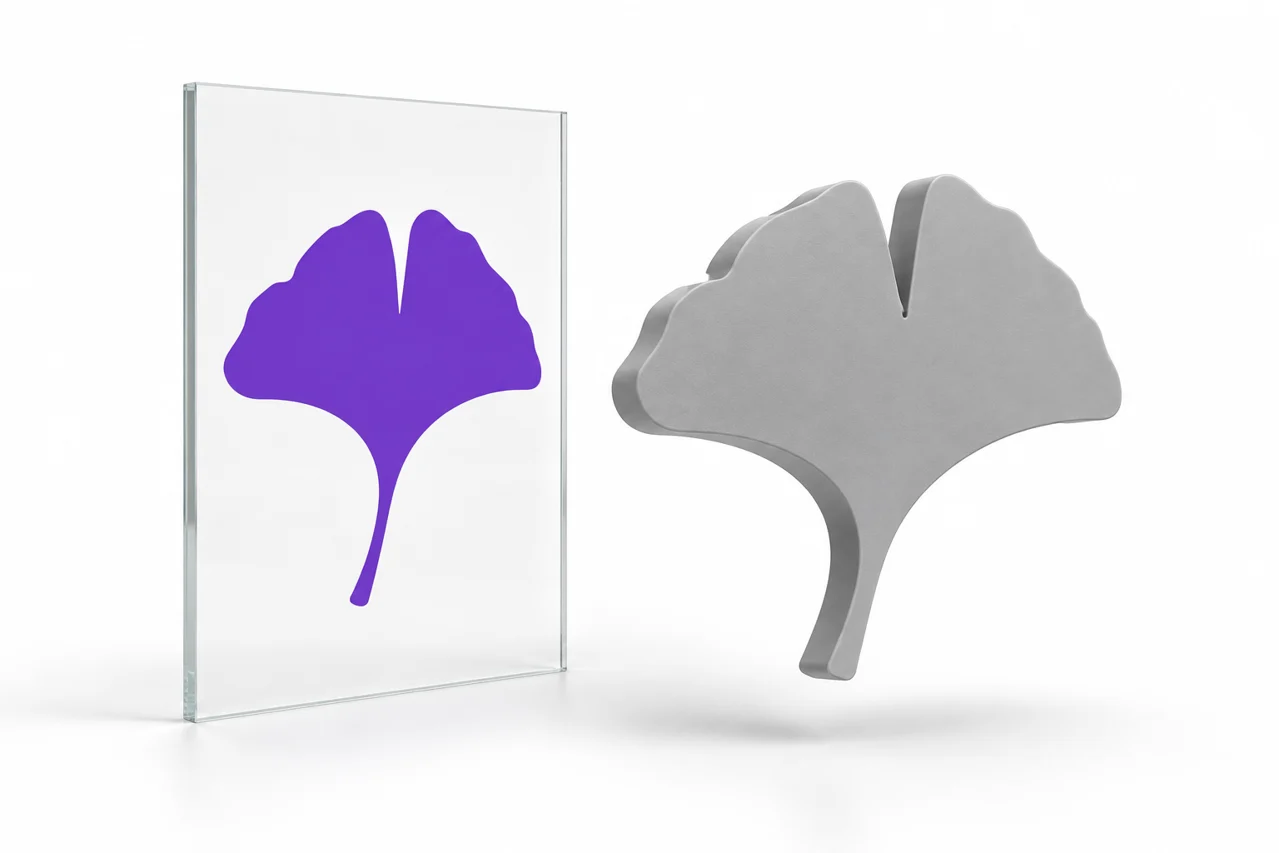
Prepare logos and letters, preserve transparency and remove unwanted rectangles.
Read the guide →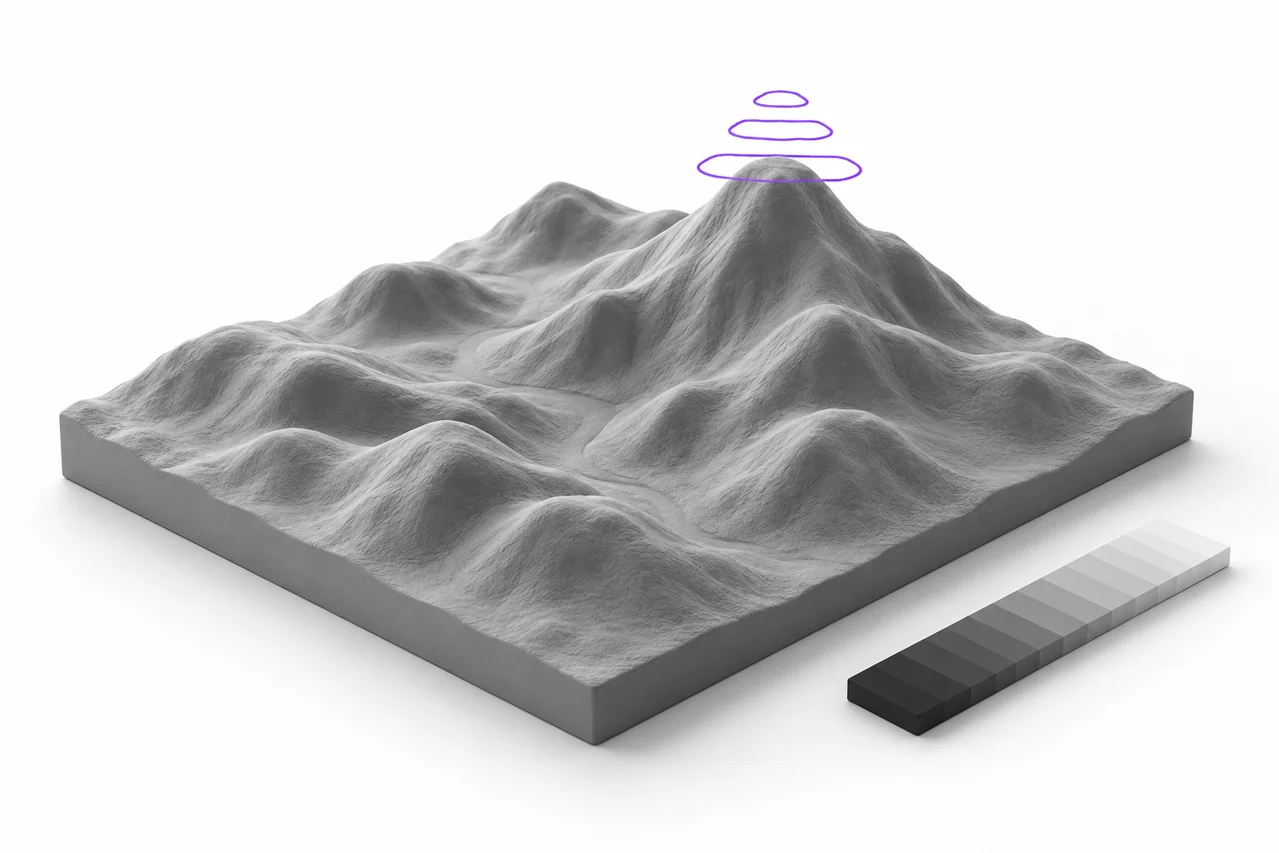
Understand depth, base thickness, contrast, smoothing and mesh detail.
Read the guide →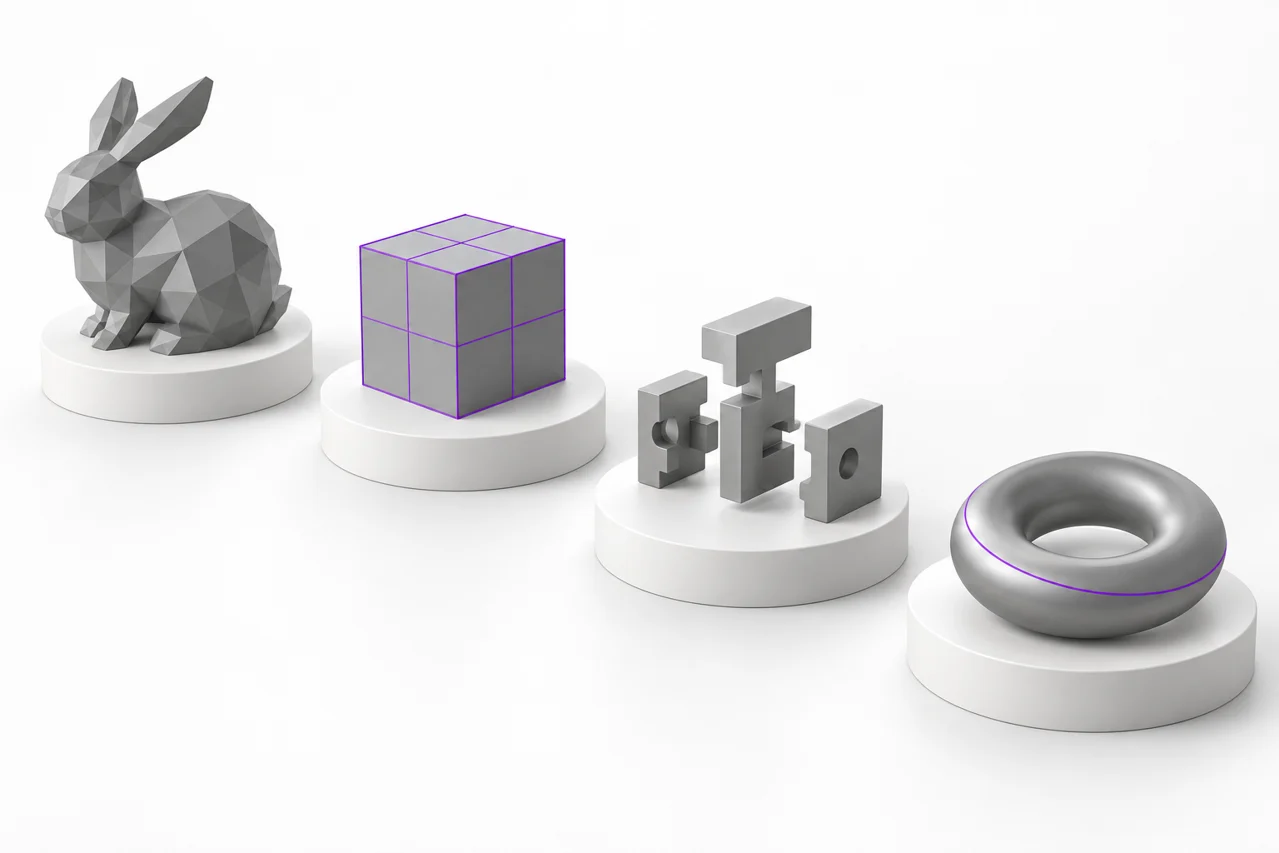
Understand geometry, units, materials, tessellation and conversion losses.
Read the guide →No. It creates silhouette extrusion or heightmap relief. Hidden sides are not reconstructed.
Gray is the preview material. Standard STL stores geometry, not the original image colors.
No. Conversion happens in this browser tab. Downloads remain on your device.
Start with a high-contrast logo for an outline, or a grayscale image for variable height. The result is an extrusion or surface relief based on the supplied artwork; a single photograph does not describe the hidden sides of a complete 3D object.
Learn how the image-to-mesh workflow works · Choose an image to STL tool